
Grownups Table GPUs

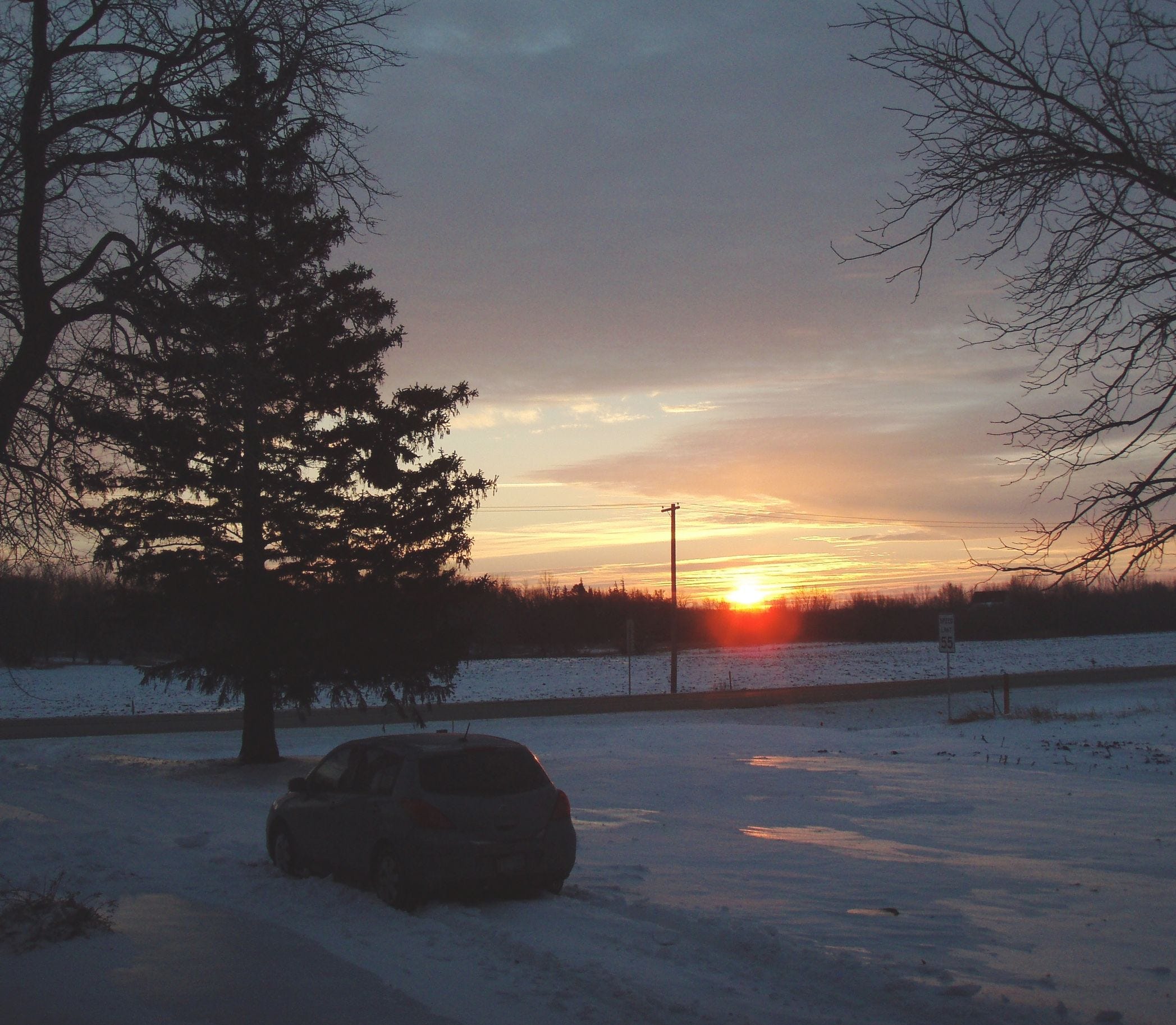
My last car, a 2007 Nissan Versa, was repossessed in 2009, two years after Lyme stole away my telecom engineering firm. Here it is, stuck in an embarrassingly tiny snow drift in my driveway.
And now, assuming this “series A funding round” does what it says on the tin, I could perhaps buy my first vehicle in seventeen years. Given that I live in San Francisco, where vehicles are a multidimensional liability, I don’t think I’m going to do that.
I am, however, prowling the interwebs, looking at what will come next after the RTX 5060Ti I fought so hard to get working just a few weeks ago. Here are the upgrade contenders.
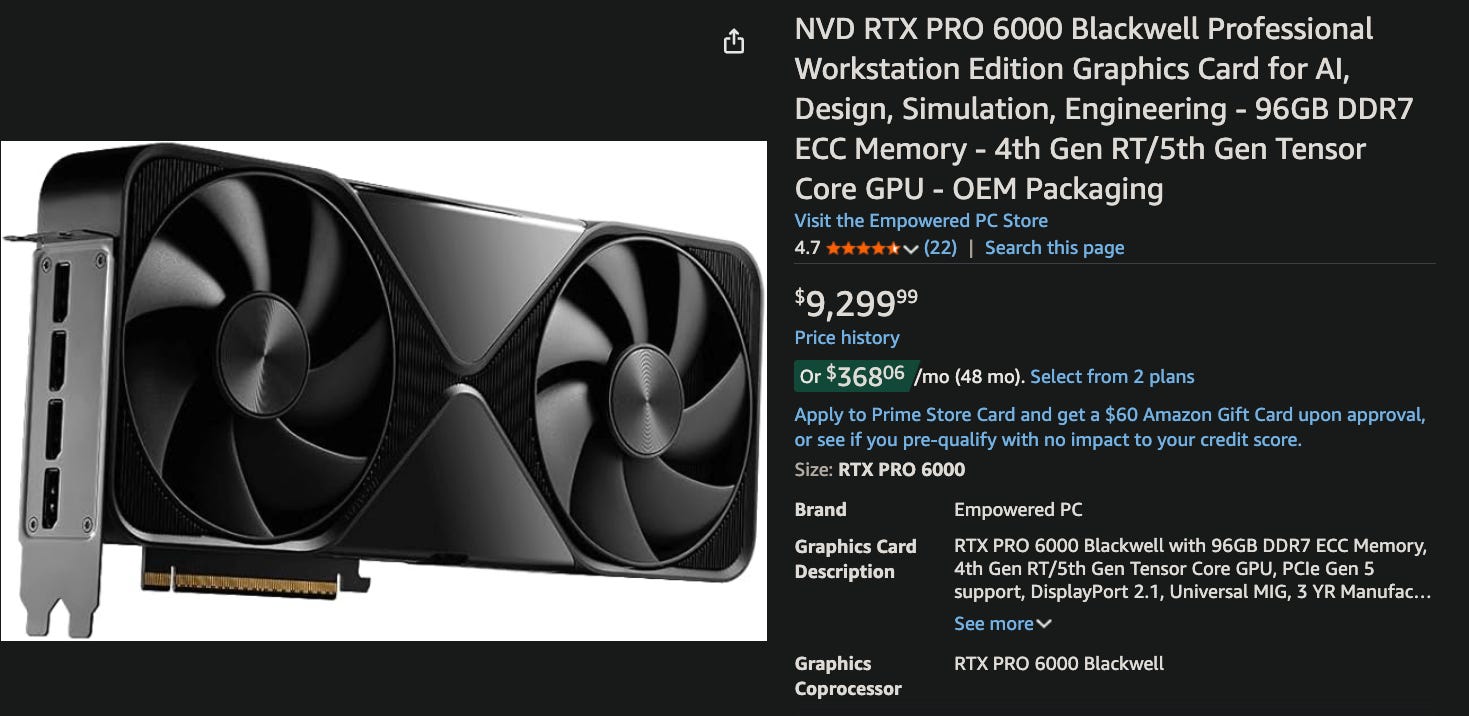
The first is a professional grade card, the RTX Pro 6000. Nvidia’s marketing department may eat an entire peck sack of dicks over the naming bullshit here. The cards with an “A” in the name are the older Ada architecture, the new ones have Blackwell, and lots of online sellers are maybe intentionally obfuscating. Looks like a regular ol’ GPU, but with a price tag I mentally equate with an entry level Kia. I just double checked and their cheapest car is now double this price. I guess it has been seventeen years since I was in the market.
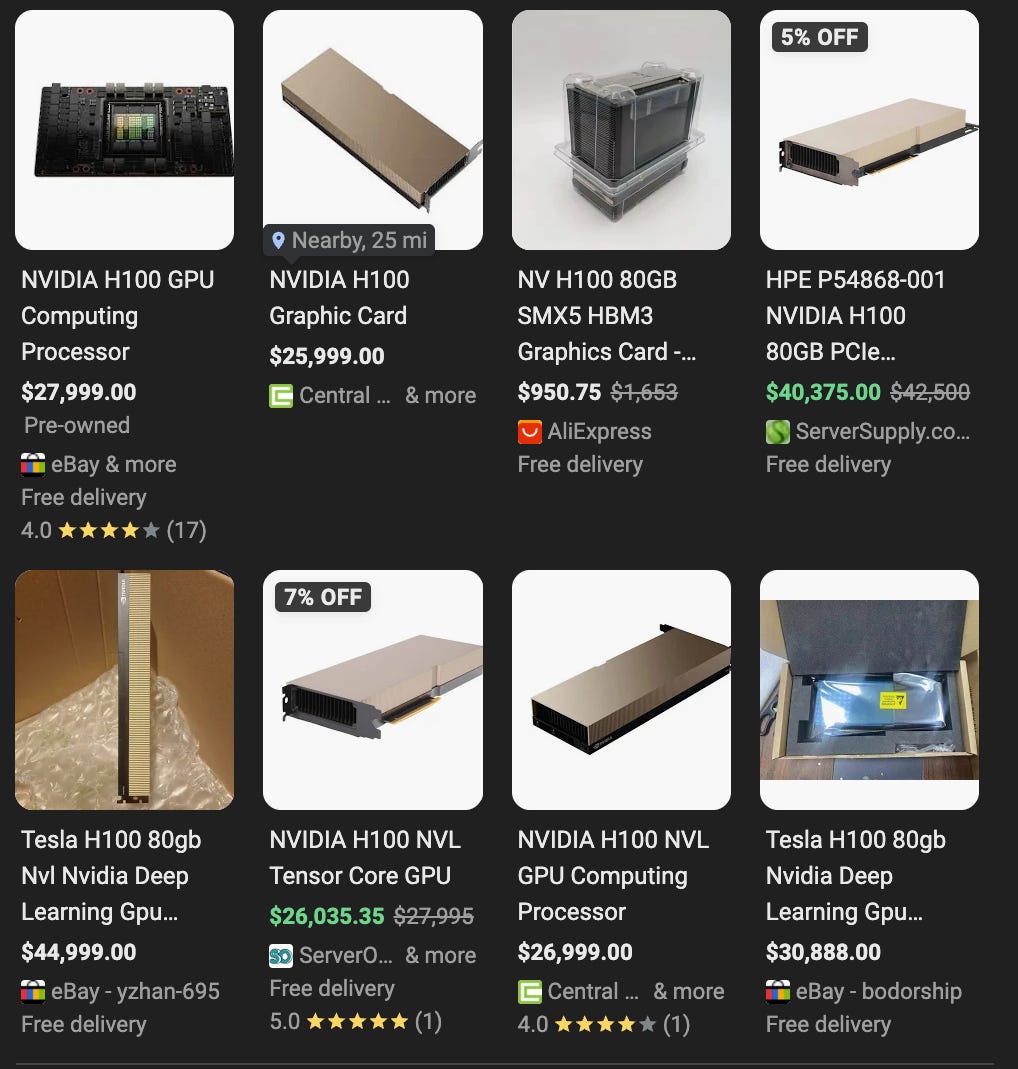
The next level are the H100NVL. These are PCIe devices but they’re meant for servers - they expect a volume and direction of airflow that the desktop cards do not. These are only 80GB but they’re HBM3 memory - the RTX has a 512 bit memory path, the H100NVL has 6,061 bits. Yes, not 4,096 or 6,144, their memory buss is 6,061 bits wide. Don’t ask me, I just work here …
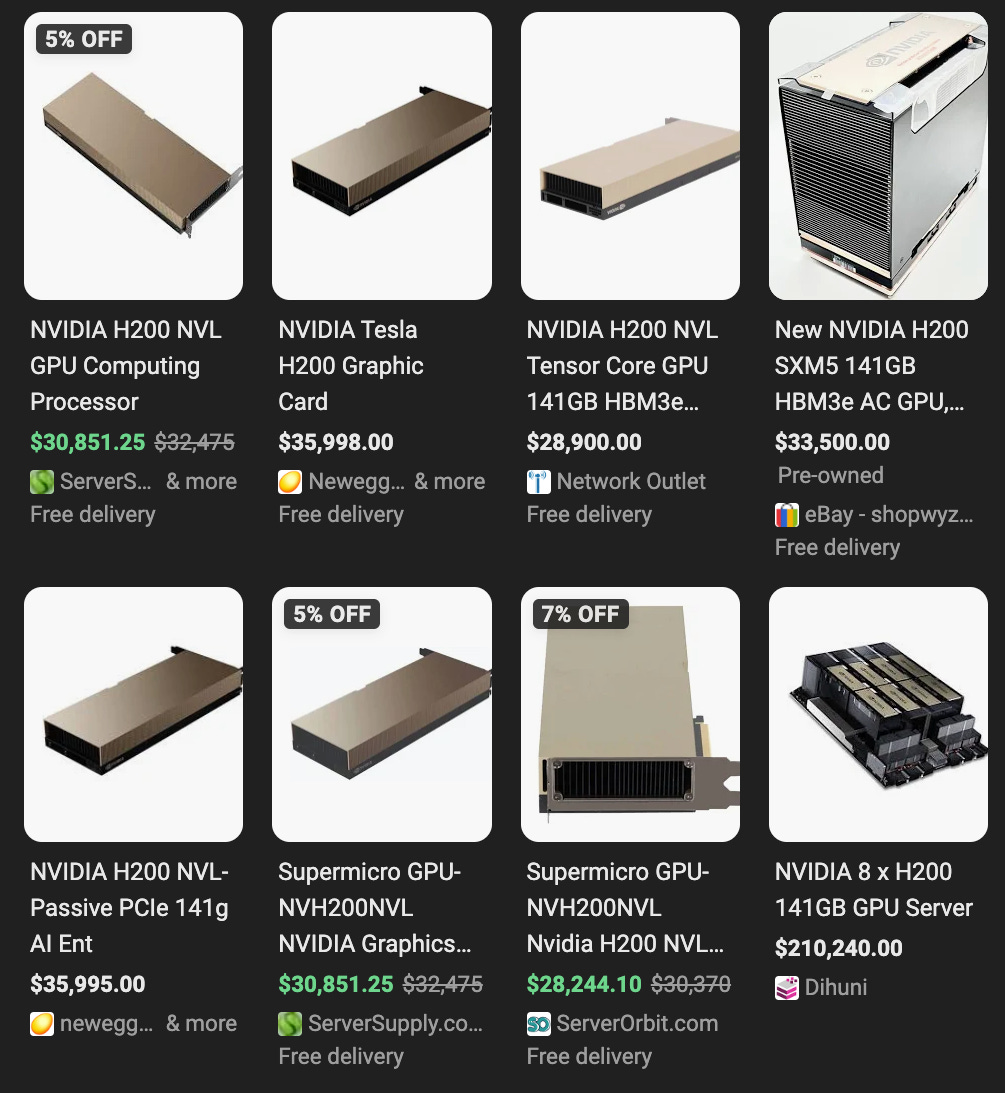
And beyond that the H200NVL offers 141GB of HBM3 memory at the expected 6,144 (6x1024) bits of width and they more than double RTX 6000 Pro’s 1.8 terabyte per second transfer rate.
Minutia:
The RTX 30x0 cards offer NVlink, a press fit connector that will permit two side by side cards to work as a single unit. None of the RTX 40x0, 50x0, or even the 6000 Pro offer this. If you need more than 32GB, you get a professional card.
You can get three of the 32GB RTX 5090s for less than one RTX 6000 Pro. And vLLM will spread load across multiple cards, even without NVlink. The problem is that if you’re going to train models, this job requires unified memory. There’s no way for me to incrementally build out a system.
The latest desktop cards use DDR7 and have a 512 bit memory bus. The server card connection is 12x that width to HBM3 memory. There are three constraints in terms of GPUs - first is total memory, second is the floating point compute capability, and third is how fast those two things communicate with each other.
Noise & Thermal Logistics:
The HP workstation behind me has been spinning its fan at a good clip for more than a day as it digests The Fuckery Files. Occasionally I hear the RTX 5060Ti’s fan tear off for a few minutes, but I’m not sure what’s going on there. That card has a vLLM virtual machine managing it and it’s accessible via Tailscale. I guess someone, somewhere out there, is testing a prototype that needs a small LLM.
As I’ve gotten older I have become strangely tolerant of fan noise, something that pre-Lyme thirtysomething Neal would have dismissed as disinformation. But even so, the cooling requirements of those server cards are intense. Years ago I had a place where I drilled a 3” hole in the drywall between two rooms and put in those circular plastic cable guides. My quiet office was on one side, some noisy Cisco gear and a rack mount server on the other.
Even if I get a fabulous regular paycheck, an extra bedroom here is nontrivial. We’re talking $1,500 more a month. There are part of town where you can get a townhome with a garage built underneath, but those are an additional $500 monthly AND I’d have a room mate. I guess could go get another cabinet in a Hurricane Electric datacenter, but the last time left a bad taste in my mouth.
Weird & Sad:
There is a trend here …
AI costs monthly, my overall spend for development is now up to $140 after my Claude Max upgrade, and that’s after a $20/month savings via free Perplexity.
Compute resources for home users are both impressive compared to even a few years ago, AND utterly inadequate for srs bsns development.
AI hardware at the enterprise level is not a depreciation item, things are moving so fast that it really has to be expensed, which is enticing, but …
The operating costs for employing heavy duty gear, even if you get dirt cheap EOL stuff, are just nuts here, I think my electric rate is $0.40 - $0.50/hour.
My whole career I’ve been in the habit of picking up old stuff, dusting it off, and learning all about whatever systems thing has caught my attention. The requirement for AI remind me of the Unix minicomputer market. I have owned an LMI Lambda, a VAX 11/730, an SGI Iris 4D/210, and some Sun SPARC 5 gear. These machines were tens of thousands of dollars new and I got them EOL for just hundreds.
This same dynamic is NOT going to play out with AI equipment. What I perceive here is that the nature of things are just … it might make sense in Iowa, where electricity is sensible, but it won’t here in the Bay Area.
Conclusion:
I’m liable to end up with the same things I’ve mentioned previously.
Mac Studio M3 Ultra 96GB - $4,000.
Nvidia DGX Spark 128GB - $4,000.
AMD Max+ 395 system with 128GB - $2,500.
And then for the sake of model tuning … given intermittent usage … it’s likely going to make a lot more sense to rent something gargantuan when the need arises, after prepping things one on of the three systems listed above. If I had another $10,000 burning a hole in my pocket … maybe skip the Spark and get the 96GB RTX 6000 Pro, or bring in a 512GB Mac Studio.
I guess these are the right sort of problems to have at my age. There’s a guy in my extended circles, friend of a friend, someone I’d never met, who fell asleep last weekend and never woke up. I am grateful for my much improved health this year, despite the trouble that is now brewing. I have a chance to do something new and exciting, things feel like the 1990s again, and I’m much better equipped to navigate the ups and downs.
Quite the journey