Get In Motion With Notion
A good personal AI activity nexus.

One of the perpetual hassles with small teams is the “coordination tool selection ritual”. I can not count how many times I have done this, often landing on Jira or Trello, and seeing little come from the effort. Having a startup is different, there’s money on the line, and accountability. Even so, I’ve brandished Jira, wobbled around with Wekan, and I’m now in the third iteration of “what will these guys actually use?”
The answer appears to be Github+Slack, but if I had $120/month to throw at accounts for five of us, we’d be using Notion.
Attention Conservation Notice:
Yet another product evaluation post. Even if you are a lone gun, you need an AI accessible coordination tool. Notion allows Claude, Google Calendar/Mail, Slack, etc to come together. This is similar to Claude Desktop Projects, or Comet/Perplexity Spaces, but it comes from the place of being an intentional workspace, not one that’s starting to evolve, which is how I see Claude/Perplexity. You probably need to take a look at this if you haven’t already picked a solution.
Notion Itself:
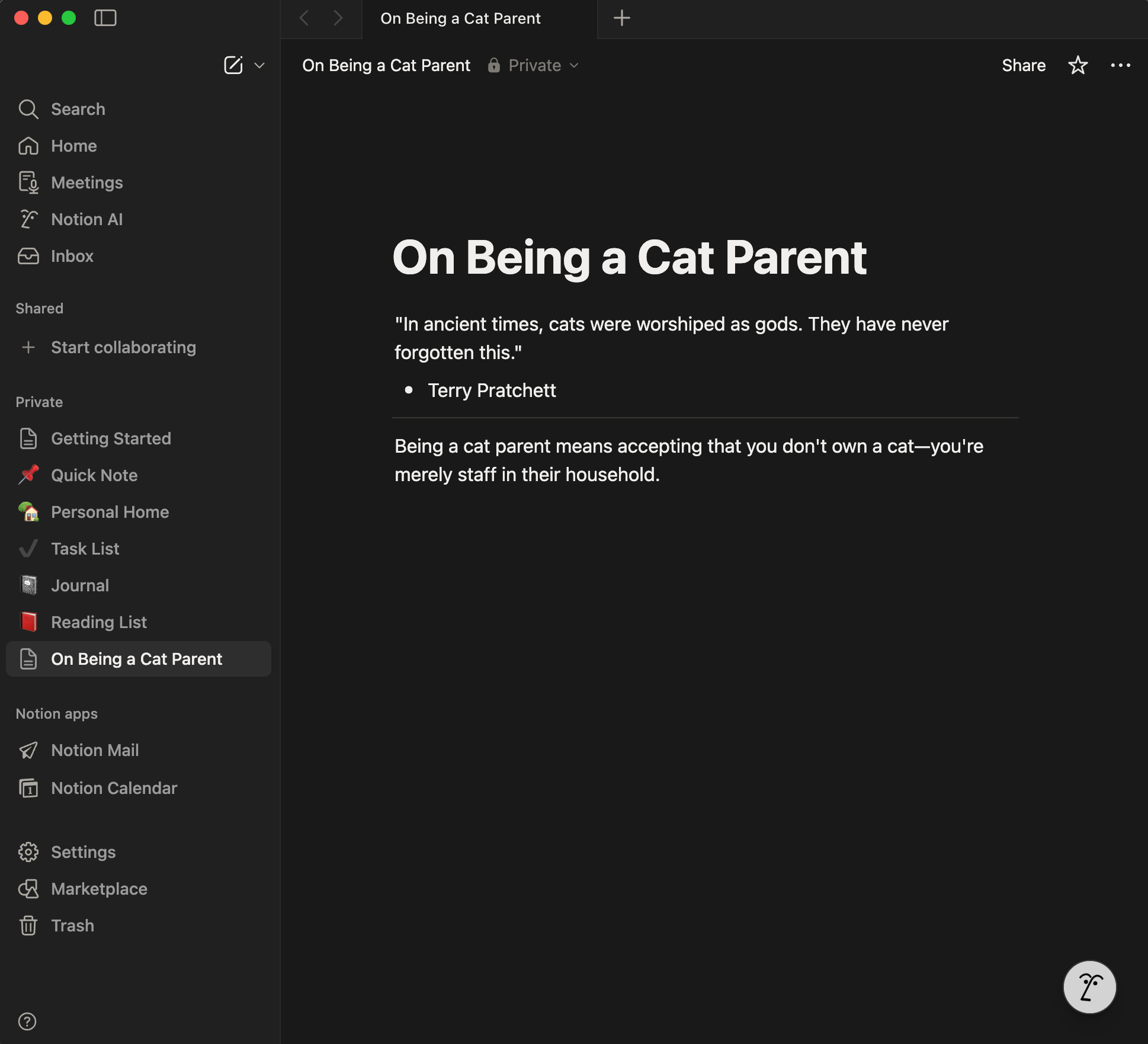
This is a brand new Notion install on MacOS, right after I figured out it was going to cost $120/month for a team of five, and shifted everything to Github. Then I promptly came back and installed Notion for myself.
The cool thing here? I connected to Claude Desktop and asked it to give me a pithy quote on being a cat parent, and this is what it did.
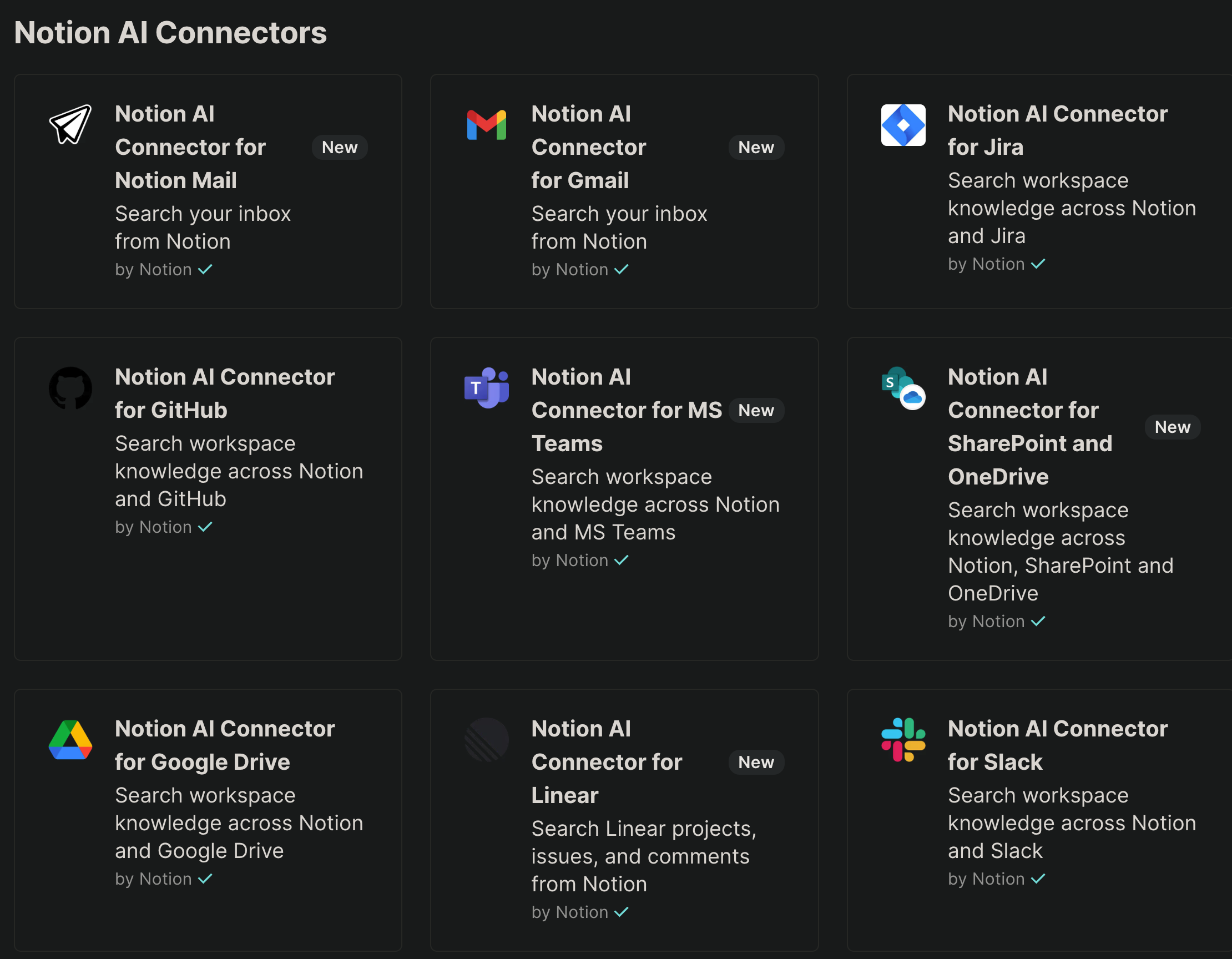
Notion offers a variety of connectors. These nine are AI enabled connectors that let you find stuff from WITHIN Notion no matter WHERE it’s located, in an AI semantic search fashion.
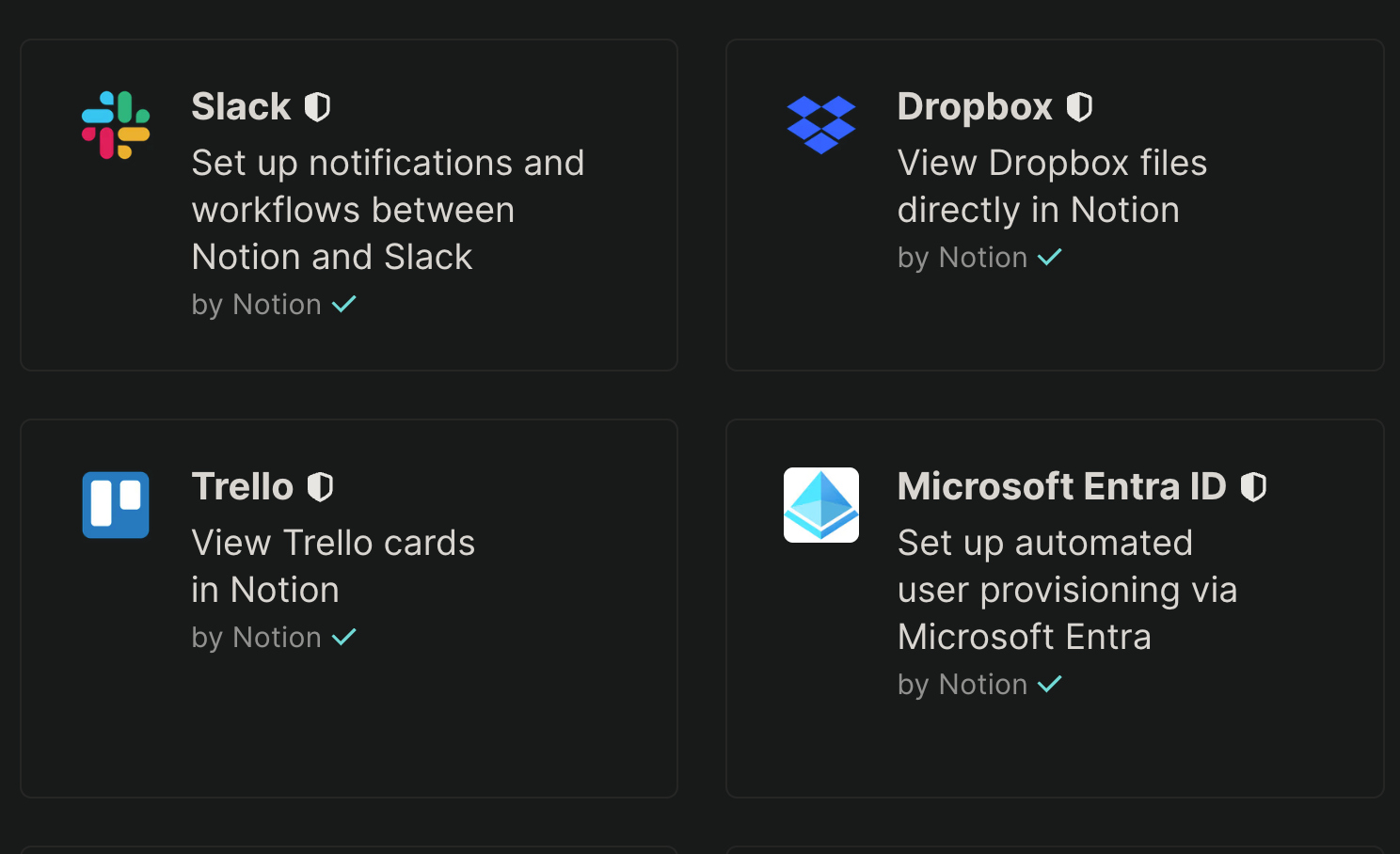
And it offers other non AI connectors, which I think means just API access instead of talking to an MCP server. I am a longtime Dropbox user, I’m back to Slack after almost a decade of not using it, and I periodically get invited into Trello stuff. Most of the other connectors they offer are more enterprise oriented.
And Notion is NOT screwing around when it comes to enterprise. Things I noticed right away included:
Panther - a Security Information and Event Monitoring platform just for Notion.
Tines - another SIEM like thing, but it contains the case tracking function.
Clay - a multi-platform social network manager.
NotiCord - Slack is front and center, but they also have Discord support.
Personal Problems:
How do I see this fitting into my work? Since my work is multifaceted I try to get mileage out of using the same tools, but then things start to comingle.
A five person startup with Github/Slack taking most of my time.
A similar sized NGO that is also going Github/Slack.
Possibly other NGO that’s going to “ride along”.
Brand Defense Strategist duties for Cicada 3301.
And the things I have to coordinate involve:
Antigravity - integrated development environment.
Claude Desktop/Code - chat and CLI development environment.
Perplexity/Comet - research environment.
Multiple Github accounts.
Multiple Slack workspaces.
A variety of MCP enabled tools.
I’ve been on the trail of employing Antigravity as my work hub but that implicitly means context switching between multiple Github repositories. This is helping me focus, since it does one repo at a time and switching context is non-trivial, but it’s not a smooth way to handle a job, a couple clients, and a pet project.
The more I look at Notion while writing this, the more excited I’m getting. I started looking on the basis of a mention of this tool by Nate B. Jones, and he is again right on in terms of picking winners.
Conclusion:
Unlike Claude Camp and our upcoming Perplexity Plunge, I don’t think Notion is going to get a whole quarter of articles. There isn’t the same sort of sequential learning curve, instead there are a multiplicity of fairly simple things you can do to build on it. So Notion will get mentioned every time I find some interesting new way to solve problems with it.