
Your First Claude Skill
Skills are extensions for Claude Desktop.

My schedule is fairly ridiculous, so Nate published his video on Claude Skills October 23rd and I am just finally sitting down to go at this stuff in a really organized fashion. I thought some of you would benefit from looking over my shoulder. This post involves:
MacOS
Claude Desktop
Claude Code
Saving one’s configuration to Github
Digging around in ~/.claude
Even if you’re not super technical, you still need to be able to load skills. That part will be first, there are pictures. You will emerge from reading this within fifteen minutes and you’ll have at least one new skill in your Claude Desktop config.
Attention Conservation Notice:
Did you read the lede? So it goes.
Non-technical:
You just want to use some Claude skills? OK, we’ll do that on Mac. I legit tried to get my Windows VM going to do some other stuff today and it quickly reminded me why I changed careers in the late 1990s - to get Microsoft messes out of my life. Sorry, no Windows details, but if that’s your OS, you can follow along in principle.
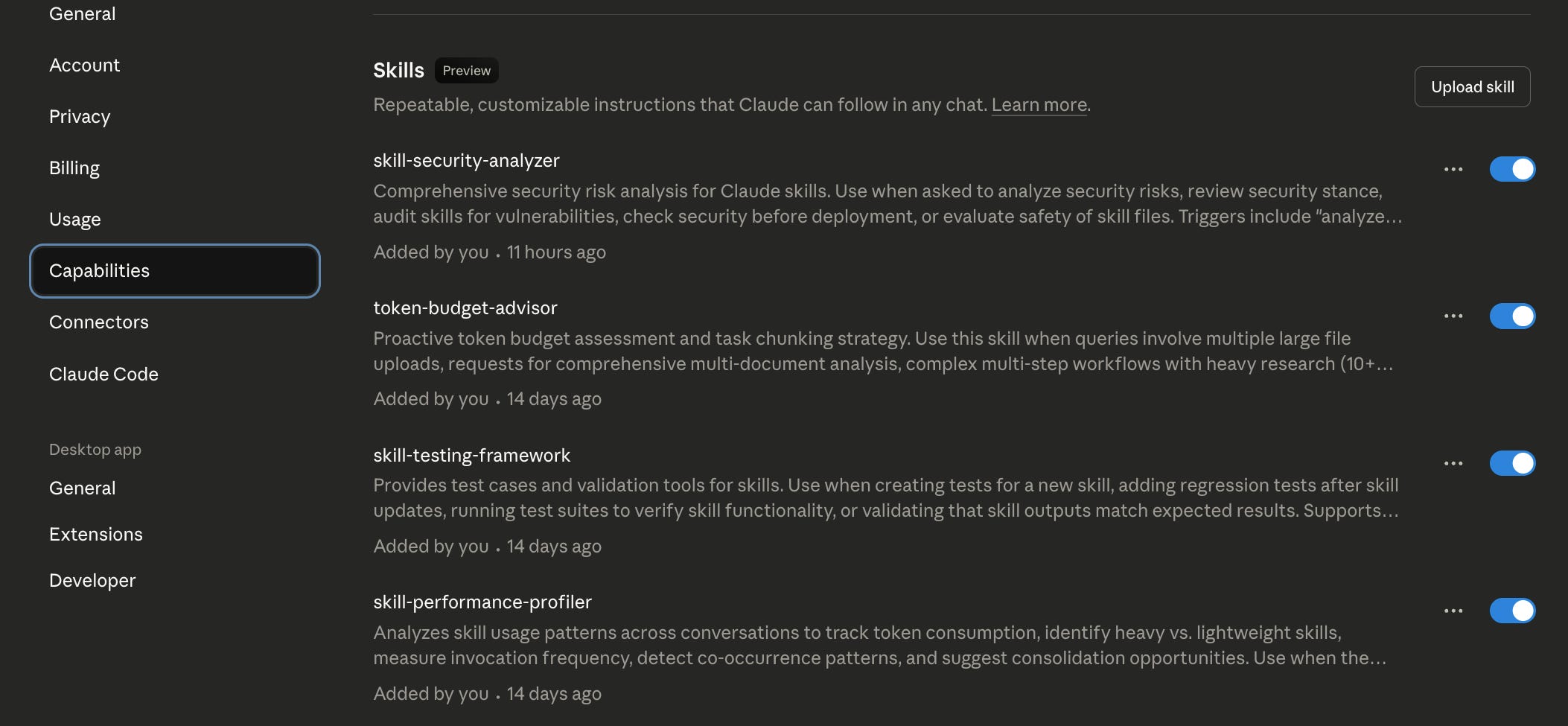
Get into Claude Desktop, open the Configuration, click on Capabilities, and scroll down. The center has the ten skills I got from Nate B. Jones. See that “Upload skill” at the upper right? That’s where you add new ones.
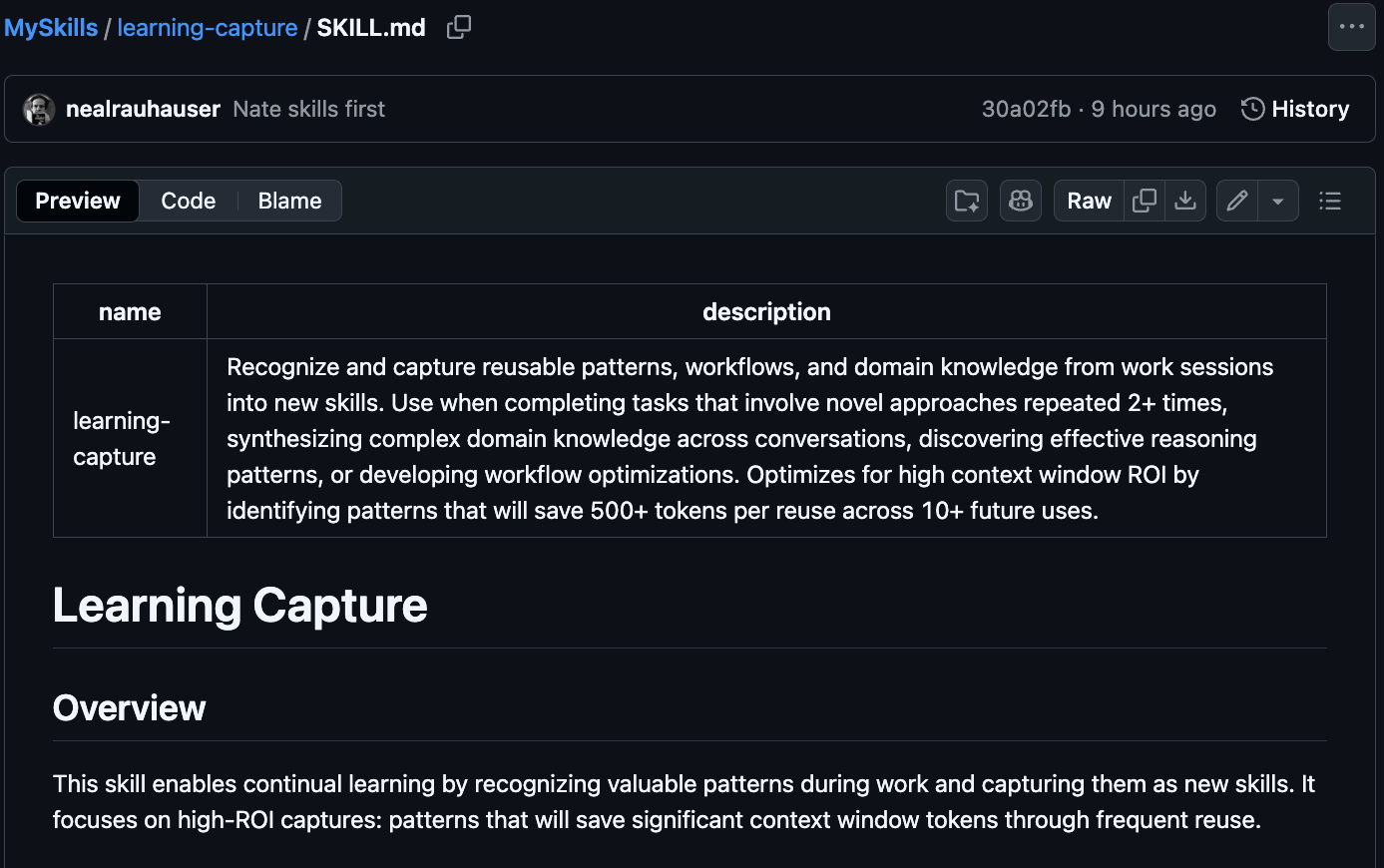
What the heck IS a skill? At its most basic it’s a prompt for Claude’s LLM. These are markdown (.md) files in a specific format that helps the LLM figure out when to use the skill. This is what learning-capture looks like in my Github repo.
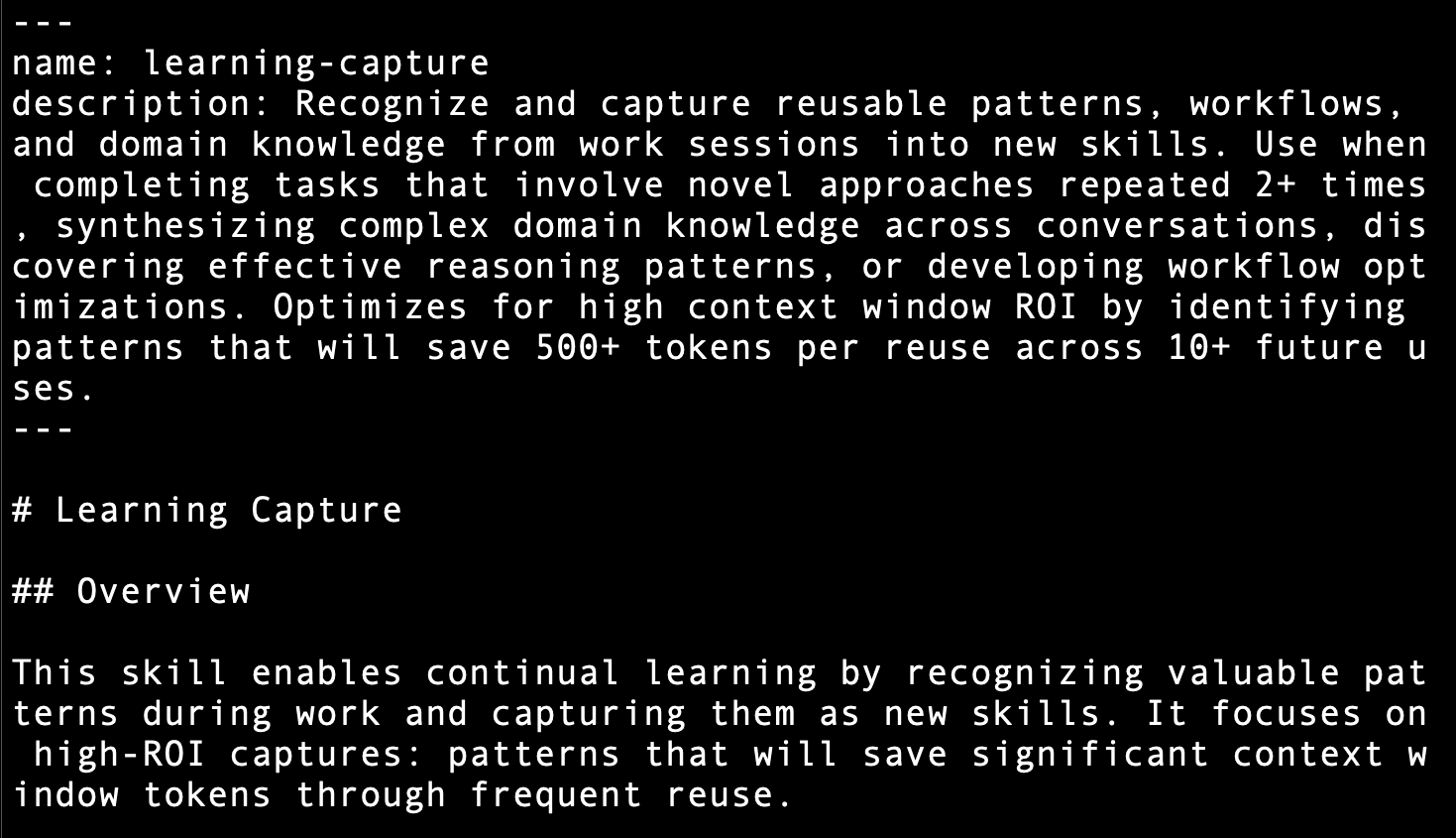
And this is what that markdown file looks like in a text editor. The dashes and pound signs control how things look, and they’re clues for the LLM as it reads the file.
There are a bunch of skill repositories out there, they vary wildly in quality, and this is basically an encore performance of when Anthropic released Model Context Protocol a year ago. There’s a mad rush to do new things, to create watering holes for people who are using this stuff. That is a whole additional post all on its own. For our purposes today we’ll use MCP Servers, which I know from MCP stuff.
https://mcpservers.org/claude-skills
WARNING: Not all of those skills work correctly. Skills are only six weeks old … I tried a couple, then finally found this one is useful as an example.
https://mcpservers.org/claude-skills/composiohq/lead-research-assistant
Once it was loaded, I started to work, and was instantly productive. You will be, too.
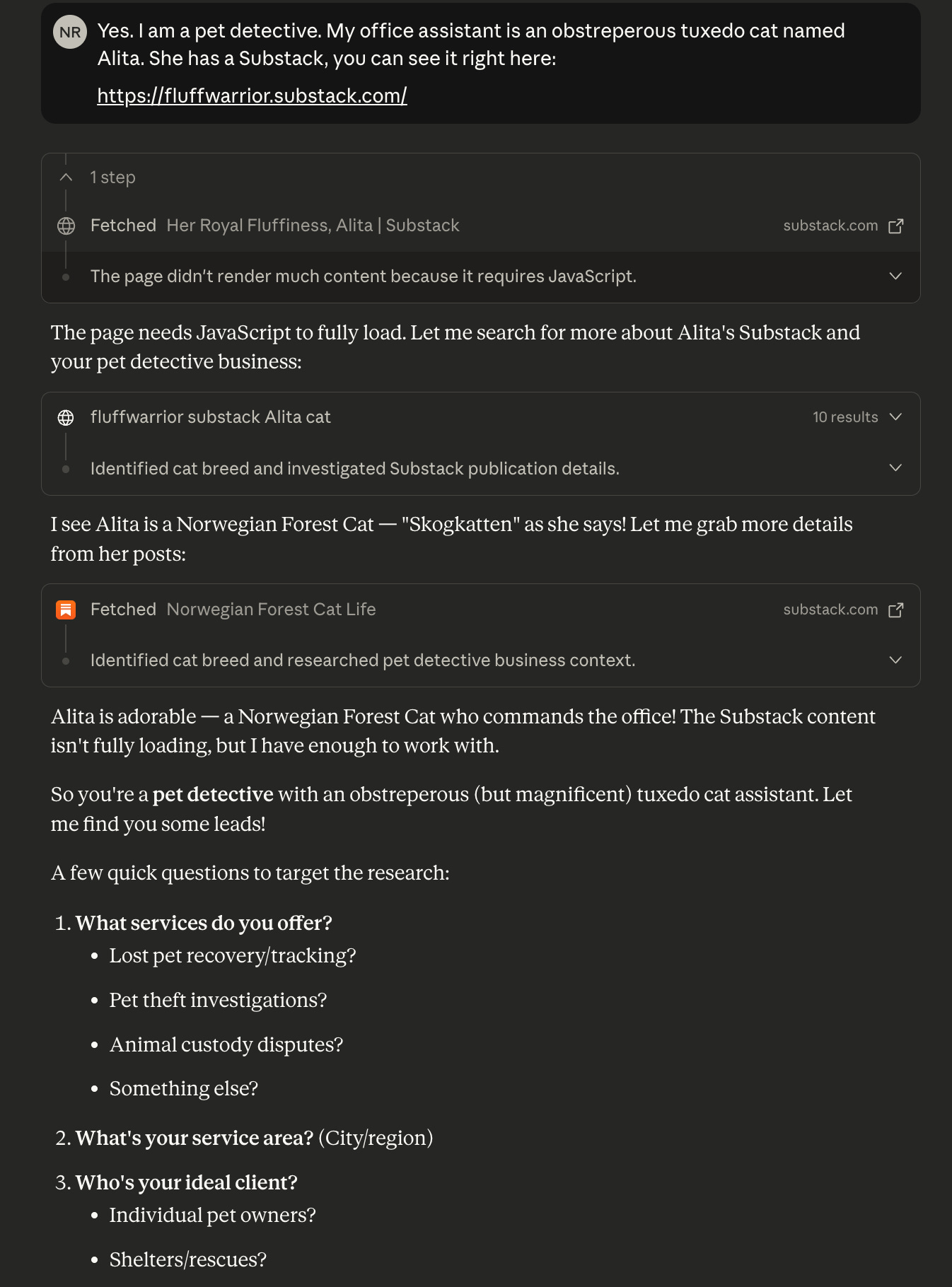
And that’s that - you’re off and running.
Technologists Only:
Getting here took a bit. Specific issues encountered included:
Both Claude Desktop and Claude Code share ~/.claude, but the ~/.claude/skills folder is just for Claude Code. You can unzip a .skill file in there and Desktop will NOT have it, gotta use the app itself and upload. The skills land in the Linux sandbox that ships with Claude Desktop.
This stuff is brand new and a lot of it appears to have worked in the creator’s environment, but they didn’t anticipate what would be needed by someone starting from scratch. I spent twenty minutes trying to get the YouTube transcript skill working, then settled on the lead-research-assistant skill as being useful, and it just loads without complaint.
The sandbox has a proxy for network access and this is … the configuration of it was not obvious to me, and as a network nerd I expect DETAILS when I’m troubleshooting, not LLM assurances.
There are a bunch of hazards with skills, assuming you’ve given the sandbox enough latitude to actually DO things. The discipline required here is akin to downloading a mix of shell scripts from some shady Github repo and needing to check a bit before using them.
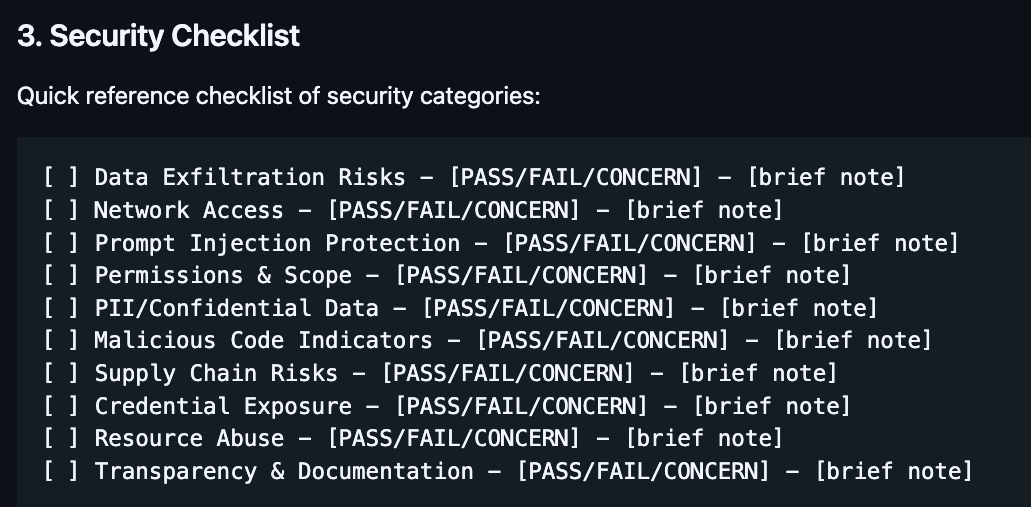
That being said, the skill-security-analyzer from Nate’s meta-skills pack is invaluable. Do you want to do this by hand? Do you have the knowledge to do it? Will you always allocate the time? The best practice here seems to be giving this thing any skill you want to check out - it’ll offer to install it once it passes muster.
Multiplatform:
Nate makes the point that these skills will work with environments besides Claude Desktop. If you read Choosing Your AI Model(s), you will know that I have a multifaceted work environment, and I note that it’s starting to converge on a stable point using the following:
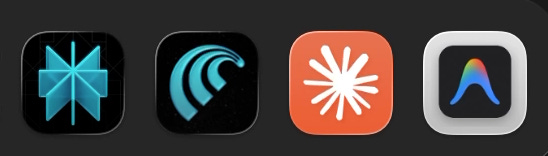
That’s Perplexity, their Comet browser, Claude Desktop, and Antigravity. Notice the trend - Perplexity offers a whole petting zoo of models and Antigravity permits you to use Gemini3, Opus4.5, or ChatGPT5. Claude Desktop is the odd man out with its single source of inference, but Sonnet/Opus are solid, I use Claude Code, I’m paying for Max level service, and Anthropic will be first out of the gate with innovations like MCP servers and Skills.
I tried shifting all my personal health care stuff to Antigravity as I was working on Fragmented Sleep, but it was not comfortable. Claude Desktop offers a single window into multiple projects, while Antigravity is single pane/single project. Changing context is cumbersome, while Claude is just an alt-tab away, and it fluidly shifts duties.
There is an MCP lattice forming. This is Claude:
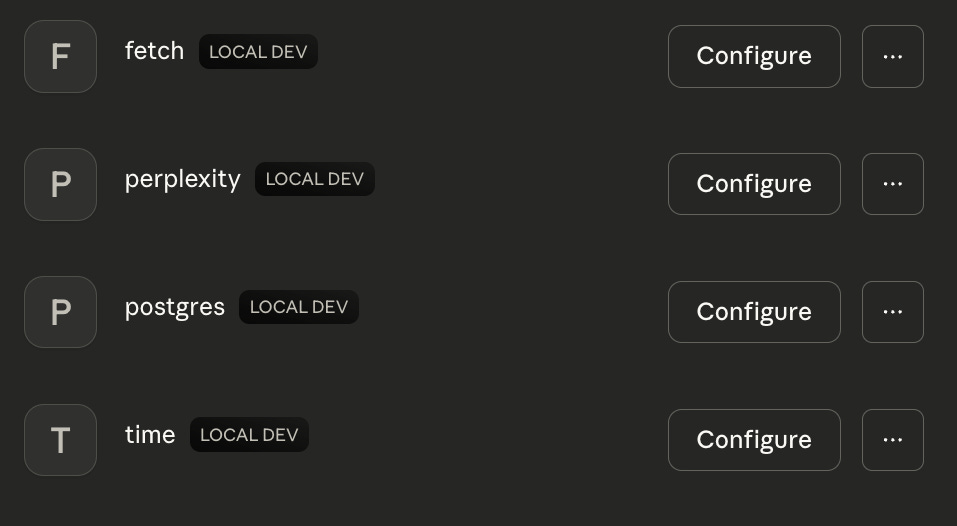
This is Perplexity:
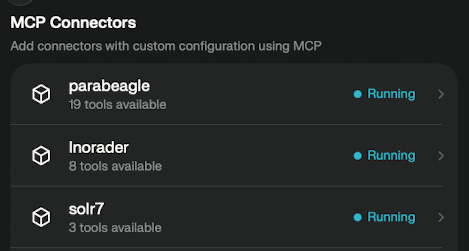
And Antigravity is a manual text file edit - it’s got Parabeagle, Perplexity, and Postgres. Claude Code is also a config file and it has the same.
Conclusion:
I am increasingly unhappy with Perplexity - such an interesting environment, but it physically pains me to use it. I’ve got to turn to the side where I have limited range of motion, lean forward, and squint to deal with the microscopic text and lack of standard accessibility features. This is not conducive to using it in the same natural manner that I employ Antigravity and Claude. I’ve tried a variety of ways to resolve this.
Virtualize it - sucks, because ARM64 Windows is the only way on MacOS, it’s syrupy at best, and zero integration.
Magnify it - better than doing the twist, but leaves me with this single cheek solution of one skittish window, call this “poor integration”.
Resolution change - I already gave up half the pixels on my laptop screen to make it vaguely usable on the side, and this only goes just so far - trading 4k for 1920x1080 only marginally improves it, the microscopic fonts strike again.
So Claude Desktop remains the “AI client” of choice here, until Perplexity fixes their accessibility problems.
Skills are a big deal, another much needed guardrail around the compulsive liar LLMs and their limited contexts. Like MCP, it’s too good of an idea for it to not escape from Anthropic into general usage. Both Antigravity and Perplexity need to level up.
I hope those of you who read the more technical portions are actually going to subscribe to Nate’s Substack so you can get the meta-skills pack and start working with them. I made a Github of my own with them and I imagine that I’m going to publish a few of my own, once I master the basics.